NetBenefits - Fidelity at Work
- 4.0
- Rating
- 1.00M
- Installs
- Free
- Price

 Analysis by App-foxy
Managing an employer-sponsored retirement account is rarely something I want to do from a desktop computer, especially when I am checking a contribution, reviewing an investment choice, or trying to understand whether a workplace benefit is actually working for me. NetBenefits - Fidelity at Work is built for that specific job. It is a free finance app from Fidelity Investments for people whose workplace accounts are handled through Fidelity, and my overall view is straightforward: it is most useful as a focused account-management tool, not as a complete personal-finance command center.
The distinction matters. I would recommend it to someone who wants quick access to a Fidelity workplace plan and prefers checking details from a phone. I would not choose it as the only app for budgeting, tracking accounts at several financial institutions, or researching investments across the whole market. Its value comes from staying close to workplace benefits rather than trying to cover every area of money management.
What the app does well in everyday use
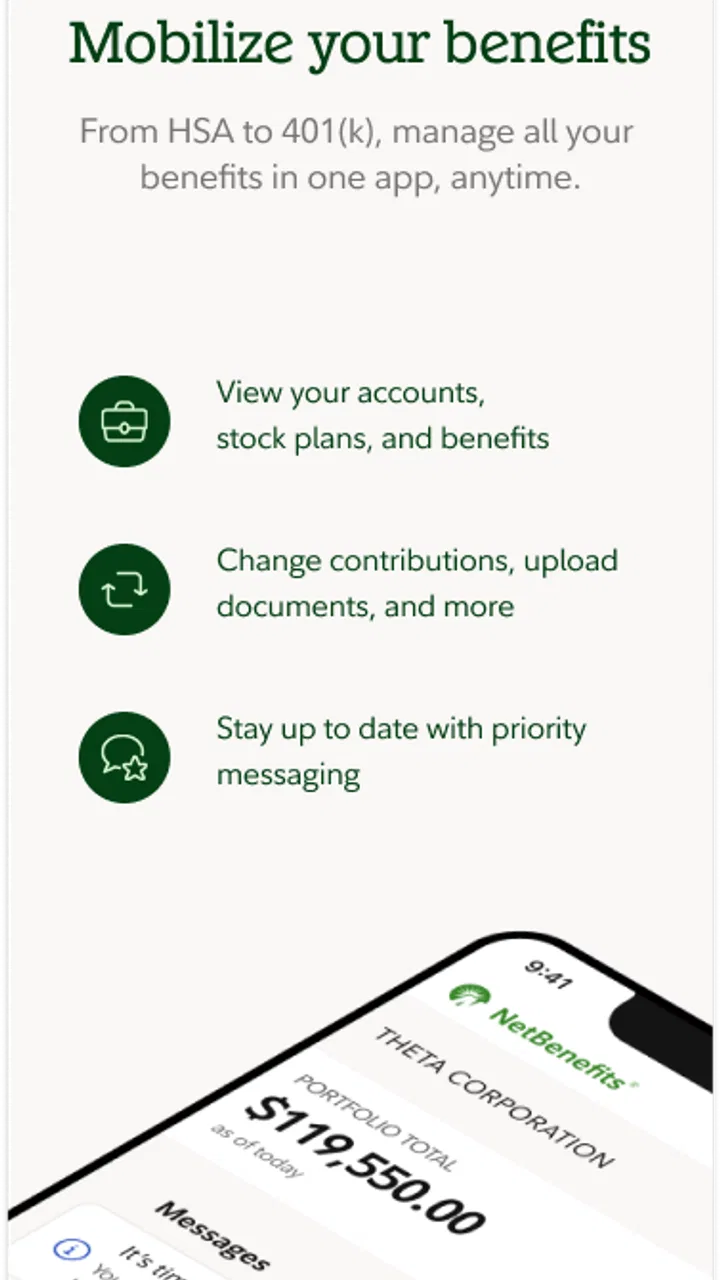
The first strength is focus. The store summary describes it as a way to manage Fidelity workplace accounts anywhere, and that is the right way to think about it. Instead of treating retirement savings as an occasional desktop task, the app makes the account feel more available during ordinary moments: after receiving a pay statement, before changing a contribution, or while checking whether a recent transfer appears in the plan.
You May Also Like

 Blood Strike: 2.5 Anniversary
Blood Strike’s Loadouts Turn Every Drop Into a Tactical Gamble
A close look at Blood Strike’s custom loadouts: how fast access to signature weapons reshapes its battle royale rhythm, rewards preparation, and narrows the gap between fights.

 Pandora - Music & Podcasts
Pandora’s Music Is Easy to Start, but Harder to Recover
Pandora’s strength is its low-effort path from a seed to a station. Its weak spot is how much confidence it asks you to place in connection, setup, and quiet recovery.

 8 Ball Pool
 Is Built on Rivalries, Rematches, and Routine
A close look at the rivalries, rematches, shared routines, and unanswered safety questions that turn a quick pool match into a persistent mobile community.

 Samsung Music
’s Quiet Strength Is Playing What You Already Own
Its reach comes less from spectacle than from dependable access to a personal library. That simplicity is both the app’s strongest retention engine and its ceiling.

 AccuWeather: Weather Radar
AccuWeather Review: A Quick, Clear Forecast for Everyday Decisions
For everyday plans, the best forecast is the one you can understand quickly. AccuWeather makes rain timing, radar, and local conditions easy to act on, with a few trade-offs.

 Hill Climb Racing
Why Hill Climb Racing Still Turns Crashes Into One More Run
A tiny car, a bumpy hill and one more upgrade: Hill Climb Racing keeps resurfacing because its simple chaos makes every near-miss feel personal.
More From Our News Desk



That convenience is especially helpful when a workplace account is connected to decisions that are easy to postpone. I can imagine opening the app during a lunch break to confirm that a contribution is being directed as expected, review the current account position, and then close it without navigating a full web portal. That kind of short session is where the app makes the strongest case for itself.
I also like the psychological benefit of having a dedicated place for an employer plan. Retirement accounts can become invisible when they are mixed into paperwork, payroll messages, and several unrelated financial apps. A focused interface encourages more regular awareness. It does not automatically make someone a better investor, but it lowers the effort required to look at the account and notice when something needs attention.
For a first-time workplace-plan user, that reduced friction can be more important than an overwhelming collection of tools. A person who is still learning the difference between contributions, balances, and investment selections may prefer an app centered on the account they actually receive through work. The experience is less distracting than opening a broad trading app full of market news and unrelated products.
A practical workflow for checking contributions
One useful habit is to treat the app as a verification step after a payroll change. If I increase my workplace contribution, change jobs, or notice a difference in take-home pay, I would use NetBenefits to check the account rather than assuming the update happened exactly as intended. The important insight is not simply “check your balance”; it is to compare the timing of a payroll decision with what appears in the workplace account, then keep an eye on the next activity rather than drawing conclusions from one screen.
This is also where mobile access is more valuable than it first appears. A desktop site may offer a deeper experience, but a phone is usually nearby when a question occurs. If a colleague mentions an enrollment deadline or I receive a workplace reminder, I can investigate immediately instead of adding the task to a list that may never be opened.
I would still avoid making an investment decision purely because the latest balance looks higher or lower. The app can make checking easy, but easy access can encourage impulsive checking. My preferred workflow would be to use it for confirmation and routine monitoring, while reserving major allocation decisions for a calmer review of goals, time horizon, and risk.
Where its focused design becomes a real advantage
NetBenefits is particularly sensible for people who have one main question: “What is happening with my workplace account?” The answer is easier to find when the app is not trying to be a general bank, a budgeting dashboard, and a stock-trading terminal at the same time.
That focus also makes it a better companion to an existing financial routine. I could use a separate budgeting app for household spending, a bank app for checking and savings, and this one for the employer plan. In that arrangement, each app has a clear responsibility. NetBenefits does not need to replace everything else to be useful.
Its popularity supports that practical role. The app has a 4.4 average from around 24 thousand ratings, with more than a million installs. Those figures suggest that many people find value in having mobile access to Fidelity workplace accounts, although they do not guarantee that every employer setup or personal situation will feel equally smooth.
The app is free, which removes an obvious barrier for someone deciding whether to install it. It is also rated for Everyone, making its audience broad from an age-rating perspective. The important qualification is that usefulness depends less on the rating and more on whether the person has an eligible Fidelity workplace relationship to manage.
The main limitation: it is not a complete financial picture
The same specialization that makes the app convenient can make it feel narrow. If I want to see my checking account, credit-card spending, emergency fund, insurance, and retirement savings in one place, this is not the tool I would rely on. It is designed around Fidelity workplace accounts, so a reader looking for an all-in-one household dashboard may find themselves switching between apps anyway.
That is not a flaw in the basic idea, but it is an important trade-off. A broad personal-finance app may be better for spotting monthly spending patterns or estimating total net worth. A brokerage app may be better for researching investments and placing trades across a wider range of account types. NetBenefits makes more sense when the workplace plan itself is the priority.
There can also be a learning curve around workplace terminology. Retirement accounts involve contribution rates, employer contributions, investment selections, and plan-specific rules. A mobile screen can present the information efficiently without making every concept easy for a beginner. I would not blame the app for the complexity of retirement planning, but I would advise new users to slow down before changing anything they do not understand.
Another source of friction is that the app cannot make an employer plan more flexible than the plan itself. If a workplace offers a limited menu of investment choices or has rules around enrollment and changes, the app is still operating within those boundaries. A polished mobile interface does not remove plan restrictions. That is why I see it as an access tool rather than a promise of unlimited control.
Small habits that make the experience safer
I would begin by confirming that the account information and workplace plan shown in the app match what I expect before making any change. This sounds obvious, but it is a valuable first step when someone has changed employers, has more than one workplace account, or is returning to an old plan after a long break.
Next, I would separate monitoring from decision-making. A quick balance check is harmless for most people, but changing investments because of one disappointing day can turn a convenient app into a source of emotional reactions. I would use the phone for access and reminders, not as a reason to trade more frequently or constantly adjust a long-term plan.
A third useful habit is to keep a simple personal record of important changes. If I adjust a contribution or review an investment selection, I would note what I intended to do and when. That gives me something to compare with later account activity and can make it easier to identify whether a result reflects timing, payroll processing, or an actual mistake.
Finally, I would treat notifications and account messages as prompts to review, not as instructions to act immediately. Workplace benefits often involve decisions with long-term consequences. The app can bring an issue to my attention, but I still need to read the relevant explanation and understand what a change means for my own circumstances.
Who should install it, and who should look elsewhere
I think the best audience is an employee with a Fidelity workplace retirement or benefits account who wants mobile access without opening a browser every time. It is also a good fit for people who prefer checking their financial information in short sessions and for anyone trying to become more engaged with a workplace plan that has previously been easy to ignore.
It may be especially useful after starting a new job, changing a payroll contribution, or reviewing an old account. In each case, the app can serve as a convenient checkpoint. I would also consider it worthwhile for someone who already uses other finance tools but wants one dedicated place for employer-sponsored savings.
I would be more cautious about recommending it to someone whose main goal is everyday budgeting. If the question is “Where did my money go this month?” a budgeting app or bank application is likely a better starting point. If the goal is active market research, a full brokerage platform may offer a more suitable experience. And if an employer does not use Fidelity for the relevant workplace account, this app is unlikely to become a central part of that person’s financial routine.
The current release is version 4.30.1, and the app requires operating system version 12 or later. That requirement is reasonable for people with a relatively current phone, but it is worth checking before planning to use the app on an older device. The application first appeared on April 24, 2013, so it is not a new experiment; it has had a long presence as a mobile companion for Fidelity workplace users.
How it compares with the usual alternatives
Compared with a bank app, NetBenefits is better suited to employer-sponsored retirement information and less suited to daily cash management. A bank app normally wins when I need transfers, card activity, or a current spending view. NetBenefits wins when I need to inspect the workplace plan without mixing that task with unrelated transactions.
Compared with an all-in-one finance tracker, it offers a narrower but potentially cleaner experience. A tracker can show a broader household picture, but connected-account dashboards sometimes turn a simple retirement question into a search through several categories. The dedicated approach here is easier when I already know which account I need.
Compared with a general investment or trading app, it is more appropriate for people whose investing is tied to an employer plan and long-term saving. A trading-focused alternative may be preferable for someone who wants extensive market tools, but that extra breadth can also encourage activity that has little to do with a workplace retirement strategy. For many employees, fewer distractions are a genuine advantage.
The right choice therefore depends on the job I want the app to perform. NetBenefits is not the winner in every finance category. It is the more sensible option when access to a Fidelity workplace account matters more than having every financial feature under one roof.
My final assessment
After looking at it as a daily account companion rather than a universal money app, I find NetBenefits - Fidelity at Work easy to recommend to the right person. Its strongest quality is clear purpose: it brings workplace-account access to the phone and makes routine checks less dependent on a desktop session. The free price and established presence from Fidelity Investments make it a practical choice for eligible users.
My reservation is equally clear. Anyone expecting comprehensive budgeting, broad account aggregation, or a full-featured trading workstation may feel limited. The app also cannot simplify every rule or investment decision built into an employer plan. It improves access, but it does not replace financial judgment.
My recommendation is to install it if your Fidelity workplace account is the financial detail you most often need to check. Use it to verify contributions, follow account activity, and stay aware of long-term savings without turning every balance movement into an urgent decision. For that focused purpose, it does its job well. For a complete view of personal finances, I would pair it with another tool rather than expect it to do everything alone.
FAQs for NetBenefits - Fidelity at Work
01What features does the NetBenefits app offer?
The NetBenefits app provides users with access to their Fidelity workplace accounts, allowing them to monitor retirement savings, view contributions and investments, and track financial goals. It also offers tools for managing health benefits, accessing educational resources, and receiving personalized guidance. Users can easily navigate their financial landscape with real-time updates and secure access.
02Is the NetBenefits app secure for managing personal financial information?
Yes, the NetBenefits app employs robust security measures to protect user data. It includes multi-factor authentication, encryption, and secure login protocols to ensure that personal and financial information remains confidential. Fidelity continuously updates its security features to protect against unauthorized access and maintain the integrity of user accounts.
03Does the NetBenefits app support multiple accounts and investments?
Absolutely. The NetBenefits app allows users to manage multiple accounts and a diverse range of investments from a single platform. Whether you have retirement accounts, health savings accounts, or other investment portfolios, the app provides a comprehensive overview and easy navigation to help you stay informed and in control of your financial future.
04Can I access educational resources through the NetBenefits app?
Yes, the app offers a variety of educational resources to help users enhance their financial literacy. From articles and videos to webinars and personalized advice, the app provides valuable insights into managing investments, planning retirement, and understanding market trends. These resources are designed to empower users to make informed financial decisions.
05Is the NetBenefits app user-friendly for beginners?
The NetBenefits app is designed with user experience in mind, featuring an intuitive interface that simplifies navigation for both beginners and experienced users. With clear instructions and helpful tutorials, new users can quickly learn how to access their accounts, view investment details, and utilize various tools without feeling overwhelmed.
Pros
- User-friendly interface for easy navigation.
- Comprehensive retirement planning tools.
- Secure access with multi-factor authentication.
- Real-time account updates and notifications.
- Extensive educational resources for users.
Cons
- Limited features for non-Fidelity users.
- Some features require internet connection.
- Occasional app performance lags reported.
- Complex options may confuse beginners.
- Customer support response can be slow.

NetBenefits - Fidelity at Work
Gallery